 Vend16
In-app purchases for iOS, Android and Capacitor apps Put a buy button in your app. We get the rest sorted.
Subscriptions, unlocks and one-off purchases on iPhone and Android, without building a backend or handing over a cut of your sales. Ask your coding agent to add Vend16. We check every sale with Apple and Google and handle renewals, refunds and the stores’ fine print.
APP STORE PURCHASE
Get started
Two ways in. Both end with a buy button that works.
Hand it to your coding agent, or follow a walkthrough for your stack. Either way you start on a free account, and test purchases never cost a thing.
Let your agent do it
Connect Vend16 to your coding agent and ask. It signs you in through your browser, creates your app, wires purchases into iPhone and Android, and lists the two store settings only you can change.
claude mcp add --transport http vend16 https://vend16.com/mcp
> Add in-app purchases to this app with Vend16
What happens next
- You approve it once, in your browser. It never sees your password.
- It creates your app in Vend16 and puts the public key in.
- It adds the purchase code for your stack, finishing each sale only after we answer.
- It tells you the store settings that are left, with the exact values.
- Claude Code
- Cursor
- OpenAI Codex
- GitHub Copilot
That command is for Claude Code. Cursor, Codex, VS Code and any other MCP client use the same address: settings for each. Claude Code users can add the Vend16 plugin too.
Agent setup guideDo it yourself
Copy-paste code for your stack, and every click in App Store Connect and Play Console. Pick yours:
- CapacitorIonic, React, Vue, Angular
- iPhone, nativeSwift and StoreKit 2
- Android, nativeKotlin and Play Billing
- React Nativeand Expo, with react-native-iap
- Flutterwith in_app_purchase
Then the stores
- App Store ConnectProducts and one notifications URL
- Google PlayProducts, service account, notifications
Claude is a trademark of Anthropic. OpenAI and Codex are trademarks of OpenAI. Cursor and GitHub Copilot belong to their owners. Vend16 works with them and isn’t affiliated.
Watch
The whole idea in 35 seconds.
The problem
Your app says someone paid. Apple or Google might disagree.
Selling inside an app looks simple until you find out what the phone doesn’t tell you. These are the four ways app makers quietly lose money, and they are why Vend16 exists.
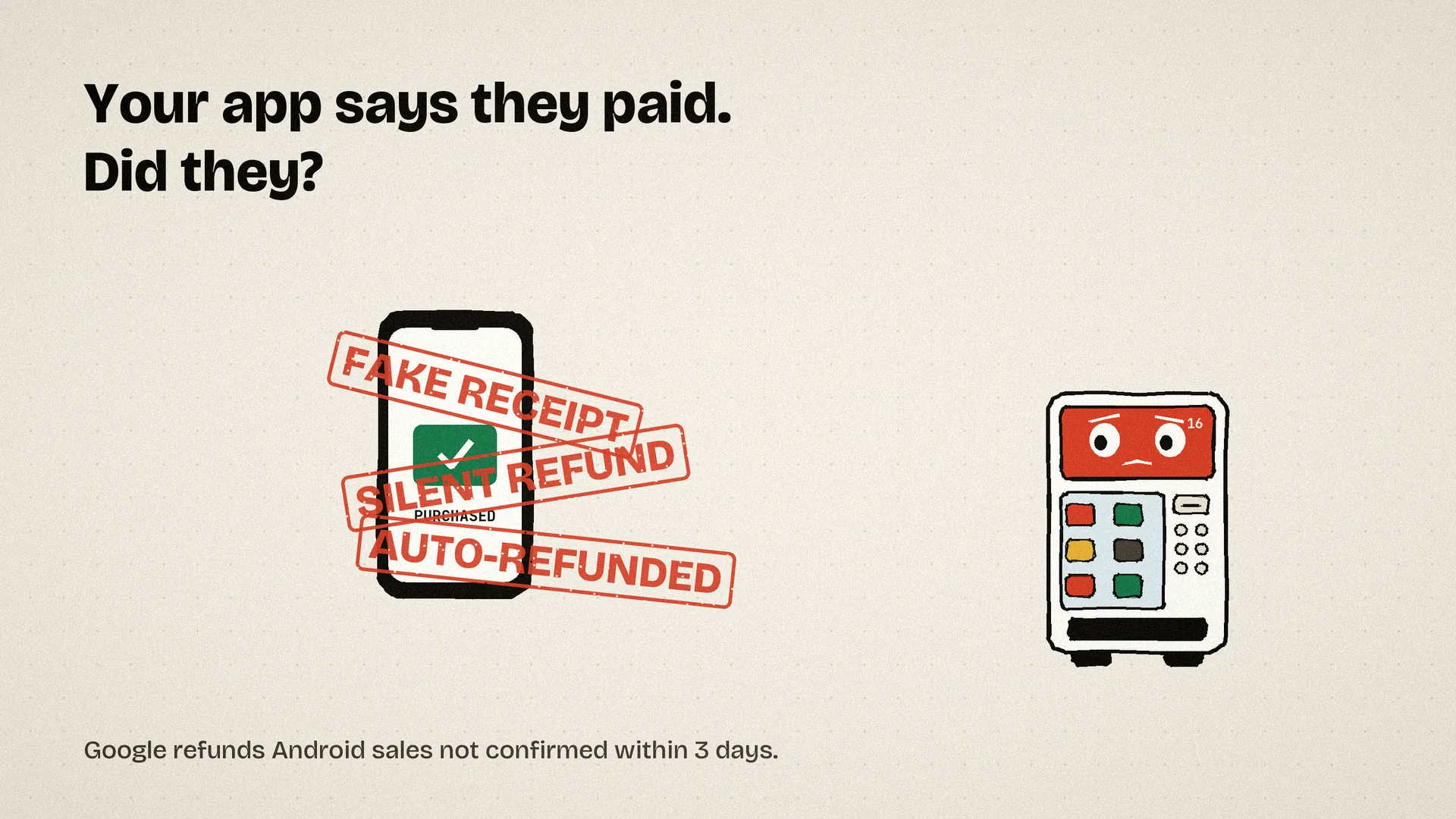
Cracked apps fake purchases
If your app trusts what the phone says, a modified app can unlock everything for free. Every purchase has to be checked with the store.
Refunds nobody tells you about
Customers get refunds straight from Apple or Google. Your app never hears about it, so they keep what they got for free.
Google auto-refunds Android sales
If a sale isn’t confirmed to Google within three days, Google refunds it automatically. One dropped connection and the money goes back.
Subscriptions change while you’re not looking
Renewals, failed cards, cancellations and grace periods all happen on Apple’s and Google’s side. Your app has to find out somehow.
How it works
Your app asks us. We ask the store. You get a straight answer.
Vend16 sits between your app and the app stores. Your app never has to trust itself, and you never have to write store code.
Cross-platform app? This was built for you first.
If you ship with Capacitor (Ionic, React, Vue, Angular or plain web), in-app purchases have meant a choice between handing over a slice of revenue or building half a backend. Vend16 gives you the whole thing: a free open-source plugin for the phone, and a verified backend behind it, at a flat price.
What’s in the box
- ✓Capacitor 8 ready, including Swift Package Manager. StoreKit 2 on iOS, Play Billing on Android.
- ✓One TypeScript API for both stores: products, purchase, restore, subscriptions.
- ✓Free and MIT licensed. Read every line on GitHub.
- ✓Plug in a free Vend16 key and every purchase is verified with Apple or Google before you unlock anything.
# the plugin
npm install github:spruikco/capacitor-iap
npx cap sync

// then one line to connect it to Vend16
const vend16 = createVend16({ apiKey: 'pk_your_free_key' });
Setup
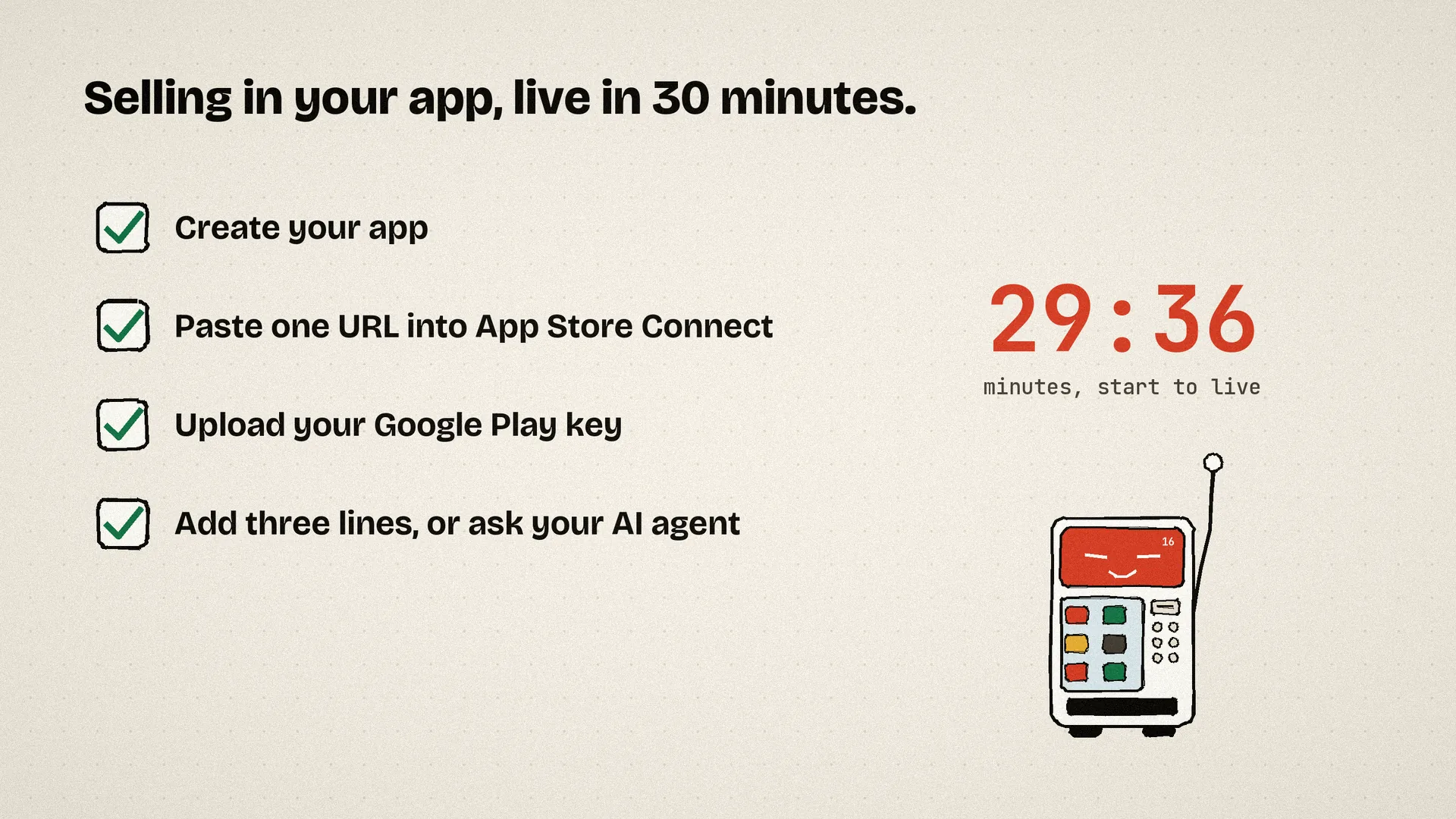
Live in about 30 minutes. Most of it is copying two links into the stores.
No servers to run. If your app has no backend at all, that’s fine: ask Vend16 who has paid and skip the webhooks.
- 2 MINCreate your app
Sign up, add your app’s bundle ID and package name. You get a public key for the app and a secret key for your server.
- 5 MINConnect the App Store
Paste one URL into App Store Connect so Apple tells us about renewals and refunds.
- 15 MINConnect Google Play
Upload a Google service account key and point Play’s notifications at us. The walkthrough has every click.
- 10 MINAdd three lines to your app
Send each purchase to us after the payment sheet closes, and unlock from our answer. Done.
// 1. After the store's payment sheet closes
const { transaction } = await SpruikIap.purchase({ productId: 'pro_monthly' });

// 2. Hand it to Vend16. We check it with Apple or Google.
await vend16.handle(transaction, user.id, SpruikIap);

// 3. Unlock features from our answer, never the phone's
const { active_product_ids } = await vend16.subscriber(user.id);
if (active_product_ids.includes('pro_monthly')) unlockPro();
# Any platform: send the store's token straight to us
curl https://vend16.com/v1/receipts \
  -H "Authorization: Bearer pk_your_public_key" \
  -d '{"platform":"ios","token":"<StoreKit 2 JWS>","appUserId":"user_42"}'

# Then ask what this user is entitled to
curl https://vend16.com/v1/subscribers/user_42 \
  -H "Authorization: Bearer pk_your_public_key"
// Your server hears about every change, even when the app is closed
app.post('/hooks/vend16', (req, res) => {
  if (!verifySignature(req)) return res.sendStatus(401);
  const { type, app_user_id, data } = req.body;
  if (type === 'renewal')    extendAccess(app_user_id, data.expires_at);
  if (type === 'refund')     takeBack(app_user_id, data.product_id);
  if (type === 'expiration') downgrade(app_user_id);
  res.sendStatus(200);
});
{
  "status": "recorded",
  "subscriber": {
    "active_product_ids": ["pro_monthly"],
    "subscriptions": [{
      "product_id": "pro_monthly",
      "is_active": true,
      "will_renew": true,
      "expires_at": "2026-10-24T09:12:00Z"
    }]
  }
}
Unlock from active_product_ids. Same shape on iPhone and Android, and it stays true after renewals, refunds and expiries.
What you get
Everything between “tap to buy” and “money in the bank”.
No backend to build
Standalone app? Fine. Your app asks Vend16 what the user has paid for and unlocks from the answer. Got a server? Webhooks keep it in step.
Checked with the source
iOS purchases are verified against Apple’s own signing certificates. Android purchases are confirmed directly with Google. Fakes and replays are rejected, and nothing is marked done until it’s recorded.
One answer for both stores
Ask “what has user_42 paid for?” and get the same shape back whether they bought on an iPhone or an Android.
Subscriptions that stay true
Active, cancelled but still paid up, in a grace period, expired or refunded. We track it all and expire access when it should end.
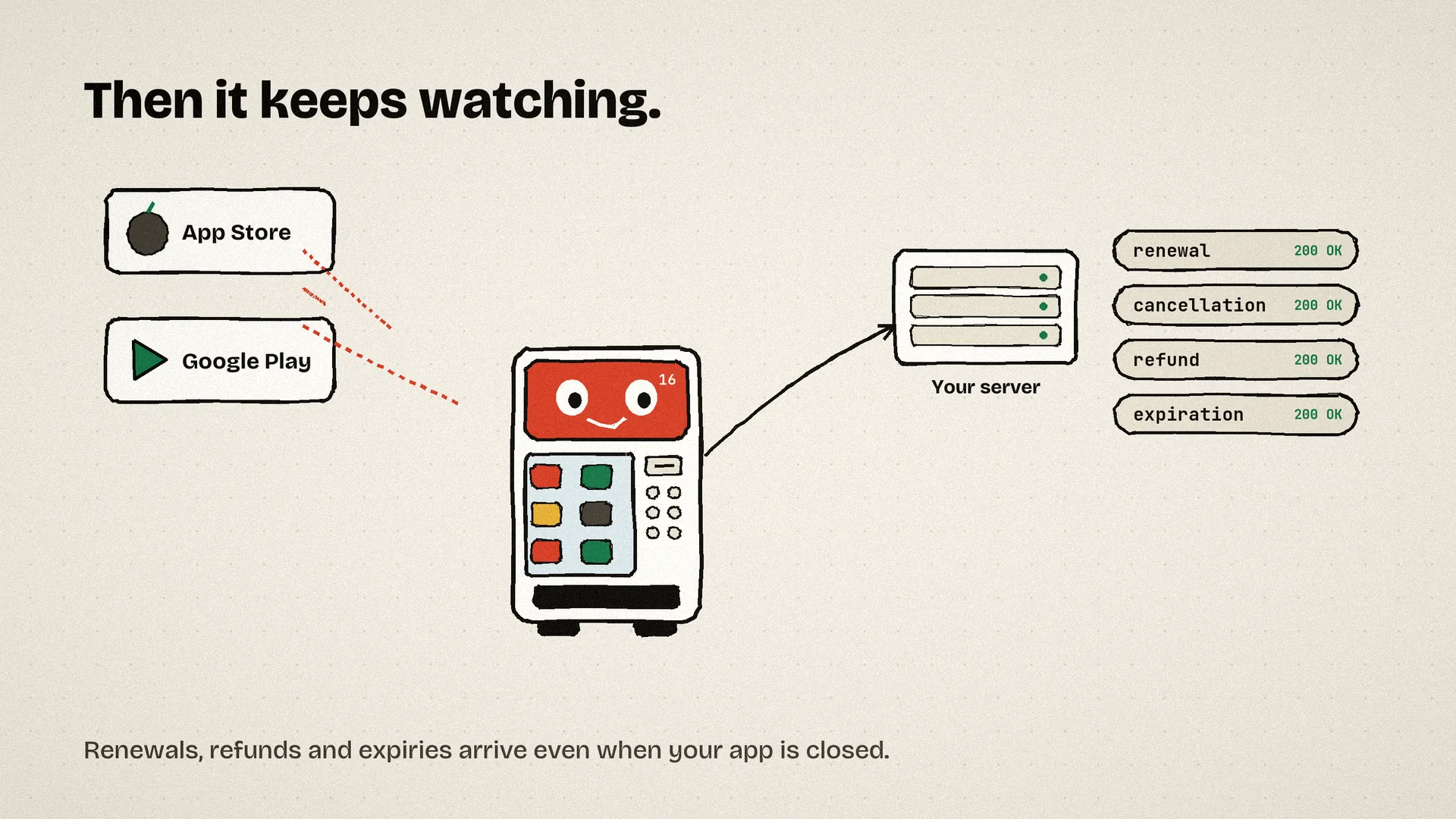
Signed webhooks
Every change goes to your server, signed so nobody can fake one, and retried for three days if your server is down.
A dashboard that makes sense
Revenue, purchases, active subscribers and refunds per app. Test purchases shown separately so they never inflate your numbers.
Events your server receives
Compared
The job RevenueCat does, without taking a slice of your sales.
| Compared on | Vend16 | RevenueCat | Build it yourself |
|---|---|---|---|
| What it costs | Free, then US$29 a month flat | 1% of revenue past US$2.5k a month | Weeks of developer time |
| Checks with Apple and Google | Yes | Yes | If you get it right |
| Stops Google’s 3-day auto-refund | Yes, confirmed on our side | Yes | Easy to miss |
| Refunds and renewals when the app is closed | Yes | Yes | Two more integrations to build |
| Capacitor apps | Free open-source plugin plus verified backend, flat price | Official plugin, tied to their 1% fee | Plugins exist, but you build receipt checking yourself |
| Paywalls and A/B tests | Not yet | Yes | No |
| How the price works | Flat, in US or Australian dollars | Grows with your revenue | Server and developer costs |
Pricing
Two plans. No percentage of your revenue, ever.
- Your first 100 live purchases
- 1 app
- Unlimited test purchases
- Webhooks and dashboard
- Up to 10 apps
- Unlimited purchases
- Everything in Free
- Priority help from a real person
A 1% revenue share grows with you. We don’t.
| Monthly sales | 1% share | Vend16 Pro |
|---|---|---|
| US$5,000 | US$50 | US$29 |
| US$20,000 | US$200 | US$29 |
| US$100,000 | US$1,000 | US$29 |
Pass 100 live sales and nothing breaks for your customers. Every purchase is still verified; the dashboard just asks you to upgrade.
Questions
Do I need my own server?
No. Your app can ask Vend16 directly what a user has paid for. Webhooks are there if you have a backend and want to act on renewals or refunds yourself.
Which apps does it work with?
Anything that sells through the App Store or Google Play: Capacitor, React Native, Flutter, Swift, Kotlin or Unity. Capacitor apps get our open-source plugin. Everything else sends us the store’s token over a simple HTTP call.
What if Vend16 is down when someone buys?
Nobody loses a purchase. The app only tells the store it’s finished after we’ve recorded the sale. If we can’t be reached, Apple and Google keep offering the purchase back to the app until it goes through.
What about test purchases from TestFlight?
They’re verified the same way but marked as tests. They never count toward your plan limits or your revenue figures.
What do you store?
The purchase details from Apple and Google and the user ID you give us. No card details ever reach us, since the stores handle payment. Google keys you upload are encrypted.
Can I leave?
Yes. Your server already gets every event by webhook, and the API gives you your full purchase history. The app-side plugin is open source.
Who’s behind it?
Spruik, an Australian agency that builds apps. We built Vend16 after running in-app purchases for our own games and hitting every one of the problems above.
Start selling in your app this afternoon.
Free to start. Takes about half an hour to set up.
Create your free account Read the setup guide